Web Forms
Web forms collect external submissions directly into an InfoLobby table.
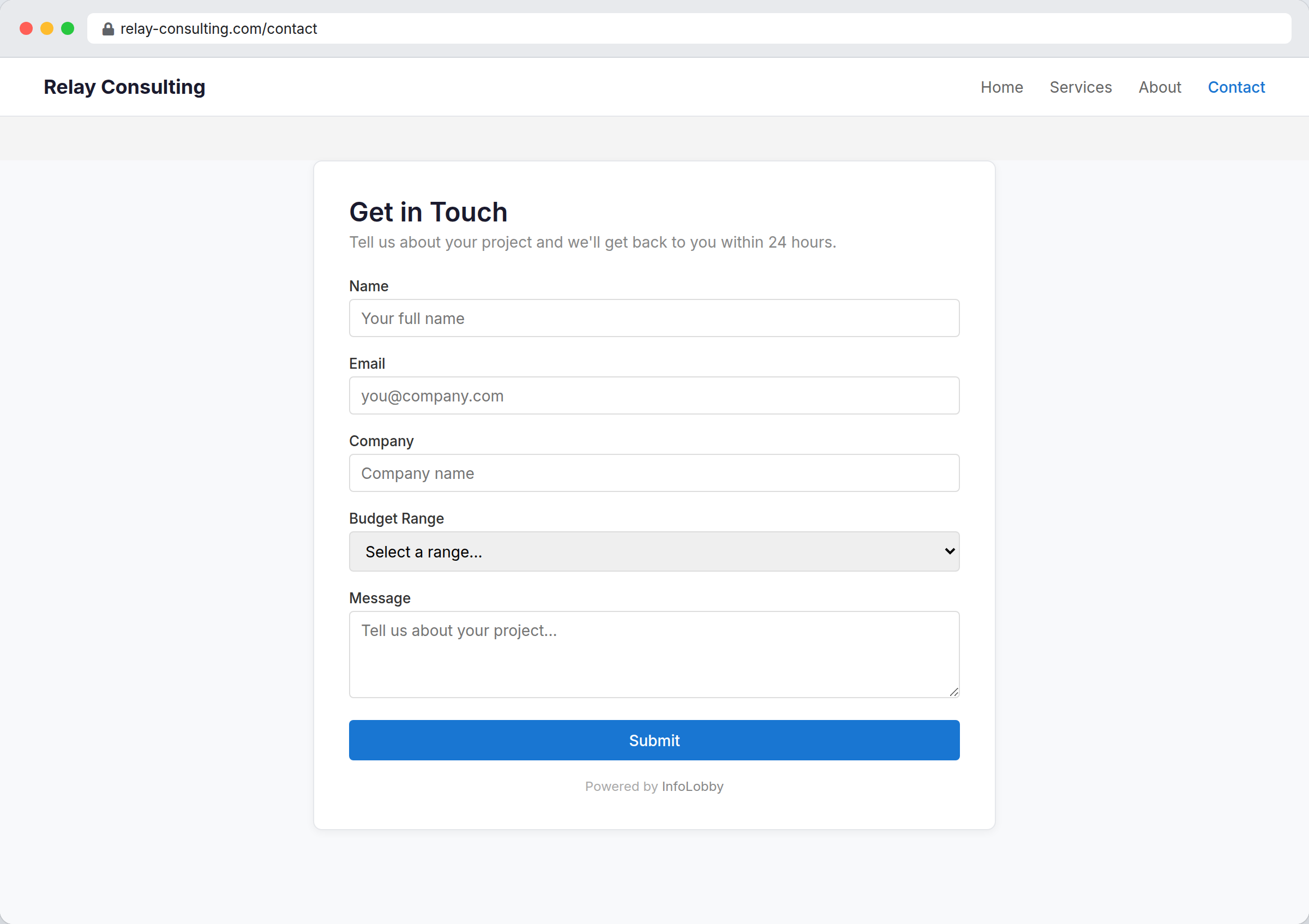
Create a form
Open a table, choose Configure from the table menu, switch to the Public tab, then create a new web form or edit an existing one in the Web Forms section.
Configure the form
| Setting | Purpose |
|---|---|
| Allowed Domains | Domains allowed to embed the form |
| HTML Header | Optional intro content |
| Custom CSS | Form styling |
| Fields | Fields shown to submitters |
| CAPTCHA | Adds an anti-bot challenge field (see below) |
| Redirect URL | Where to send users after submit |
| Submit Message | Message shown when no redirect is set |
After saving, InfoLobby gives you embed HTML and a direct form link. Embedded forms automatically resize their iframe height as the form content changes.
Each submission creates a record in the table and fires your On Create automations, just like records added inside InfoLobby.
Prevent spam submissions
Tick CAPTCHA in the Fields list to add an anti-bot challenge to the form. Submitters must read a short distorted-image equation and type the answer before the form will submit. The answer is verified on our servers, so automated bots that post directly to the form — bypassing the page — are rejected too.
Enable it on any form that collects public leads or orders to cut down on junk submissions.