Explore the features that turn InfoLobby into your business operating system
Tables, views, forms, reports, comments, tasks, automations, API access, and AI support all work around the same records.
This is the product tour: what each feature does, why it matters, and where to dig deeper.
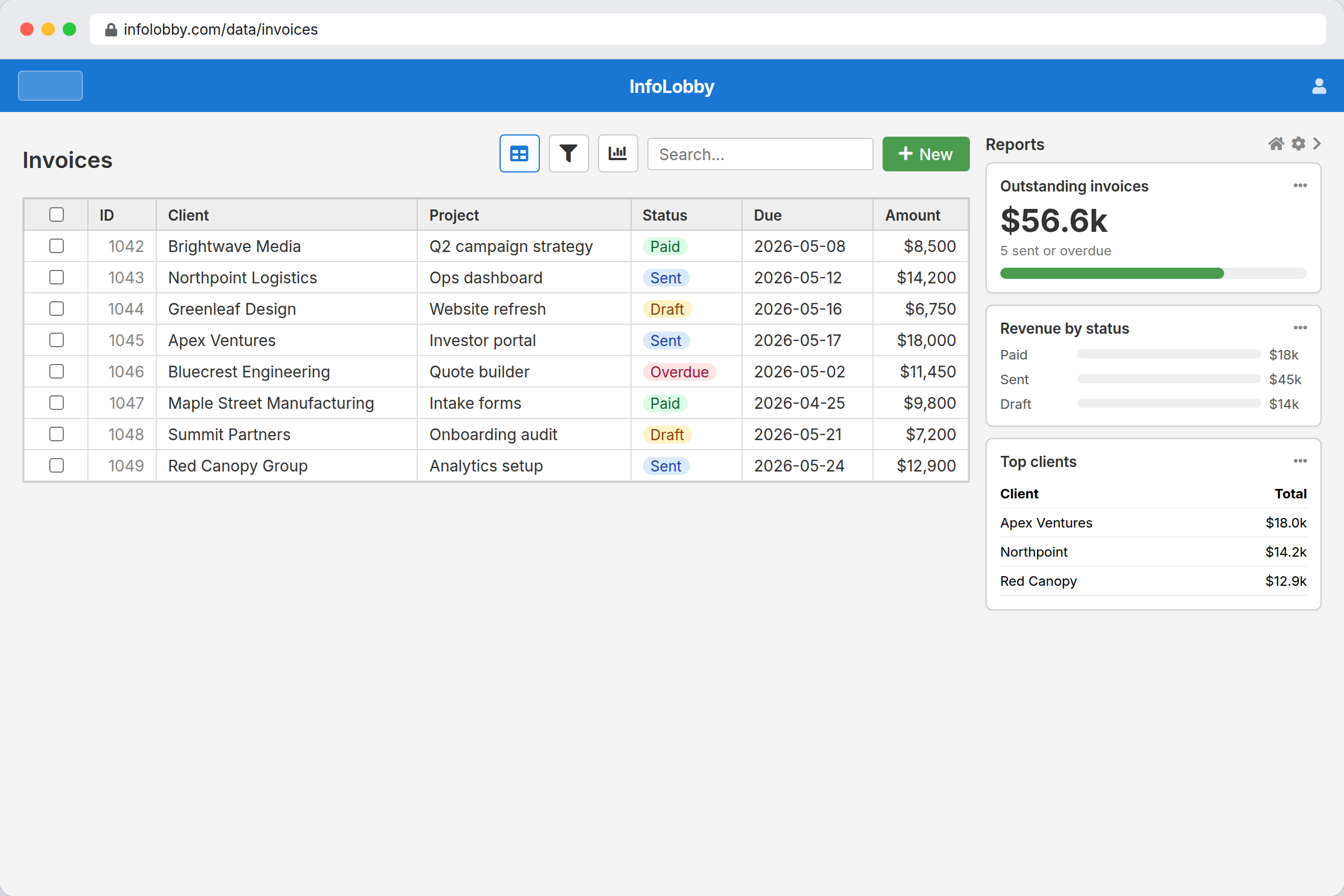
Structure real business objects, not loose rows
Turn clients, projects, requests, vendors, assets, and invoices into records your team can search, update, relate, and trust.
- Managed MySQL foundation with a usable app interface
- Typed fields, related records, file fields, and record forms
- Reports beside the data so status is visible immediately
Change the shape of the system as work changes
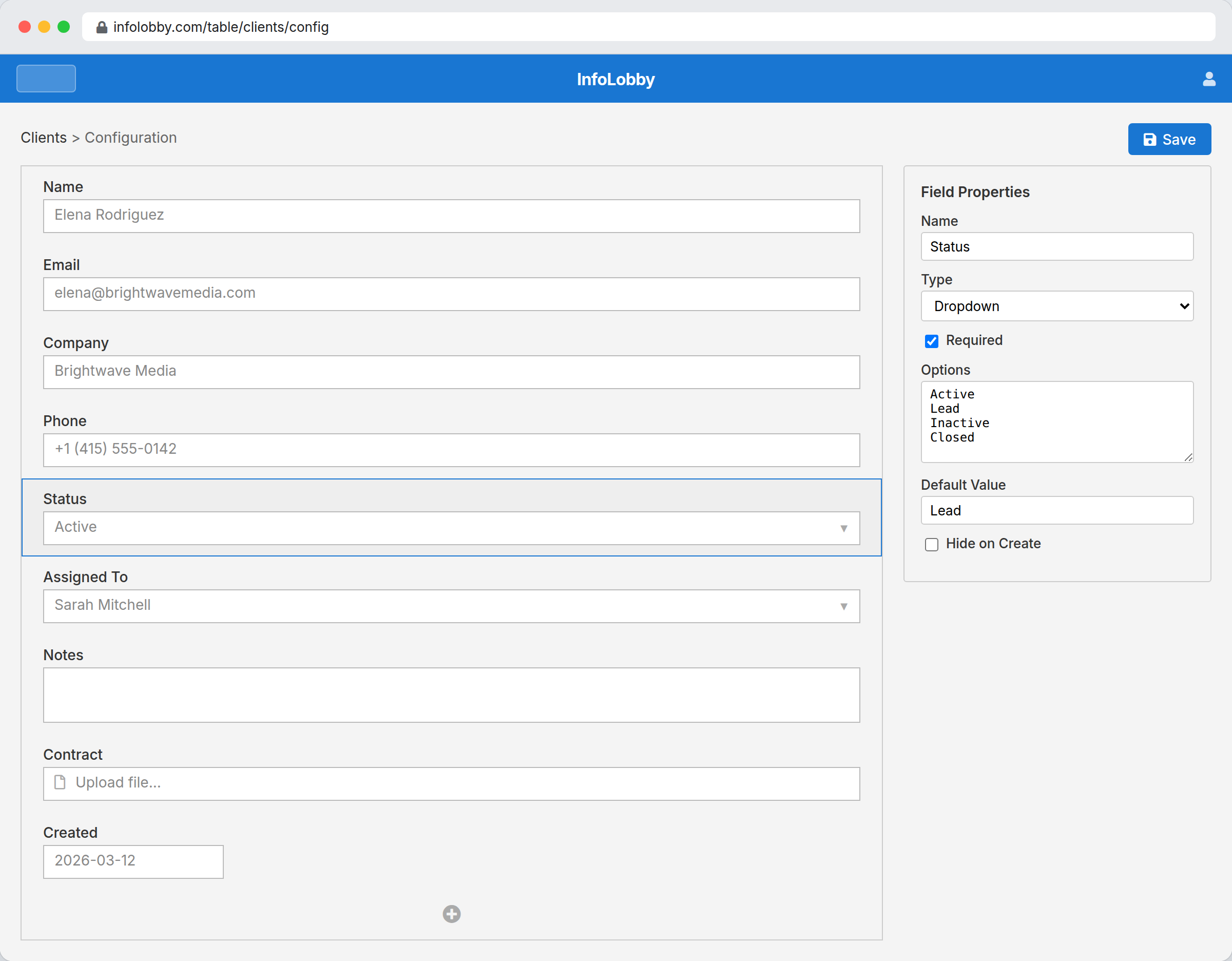
Add fields, adjust forms, and reshape tables when the process evolves instead of waiting for a vendor or rebuilding a custom app.
- Visual field designer for everyday configuration
- Layouts that keep each record readable for the team
- Flexible structure without giving up database discipline
Give every workflow the view it deserves
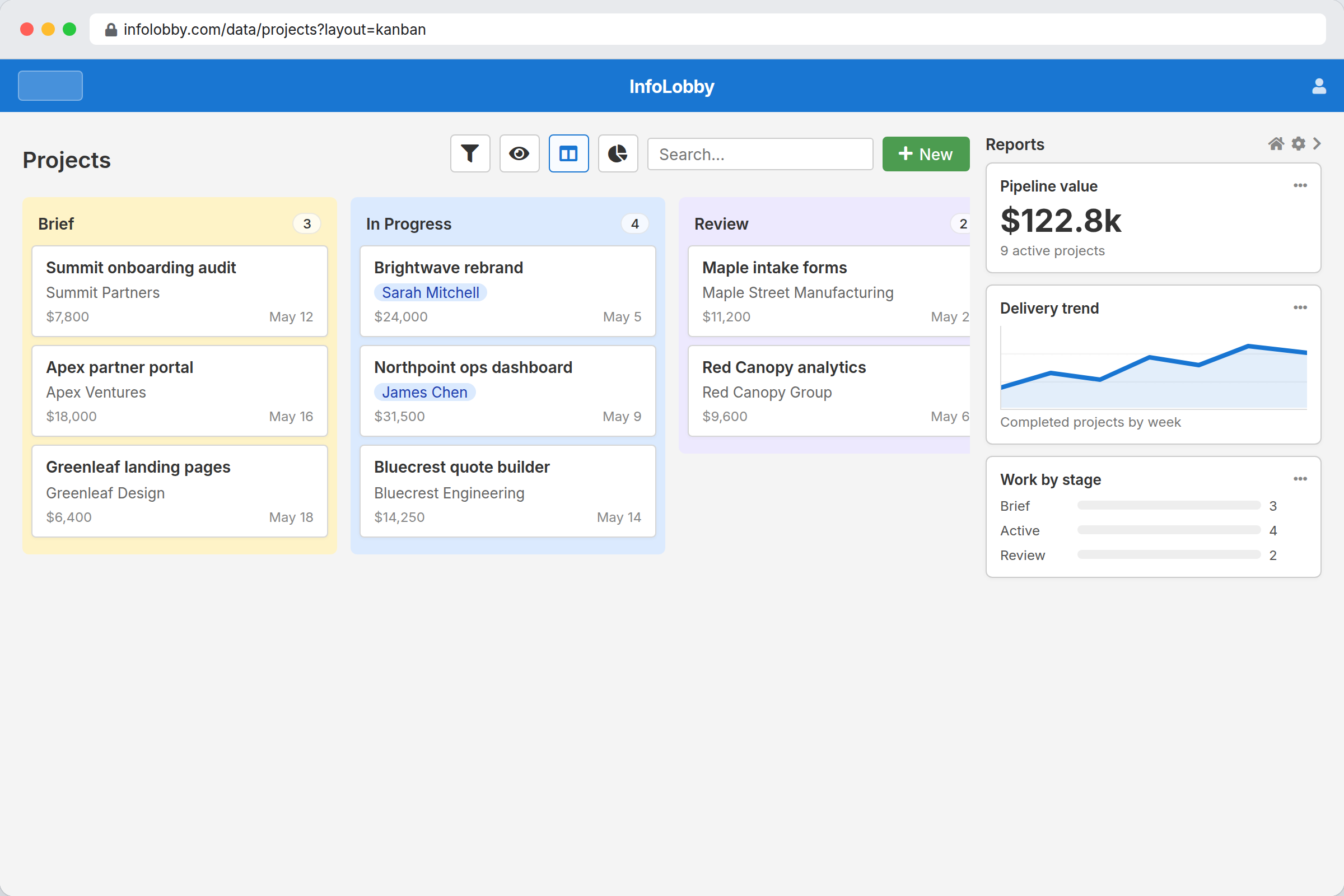
Use the same records as a table, kanban board, calendar, gallery, or report view so teams can work their way without duplicating data.
- Table, kanban, calendar, and gallery layouts
- Report tiles for totals, progress, charts, and summaries
- Saved views for different roles, processes, and decisions
Keep decisions where the work happens
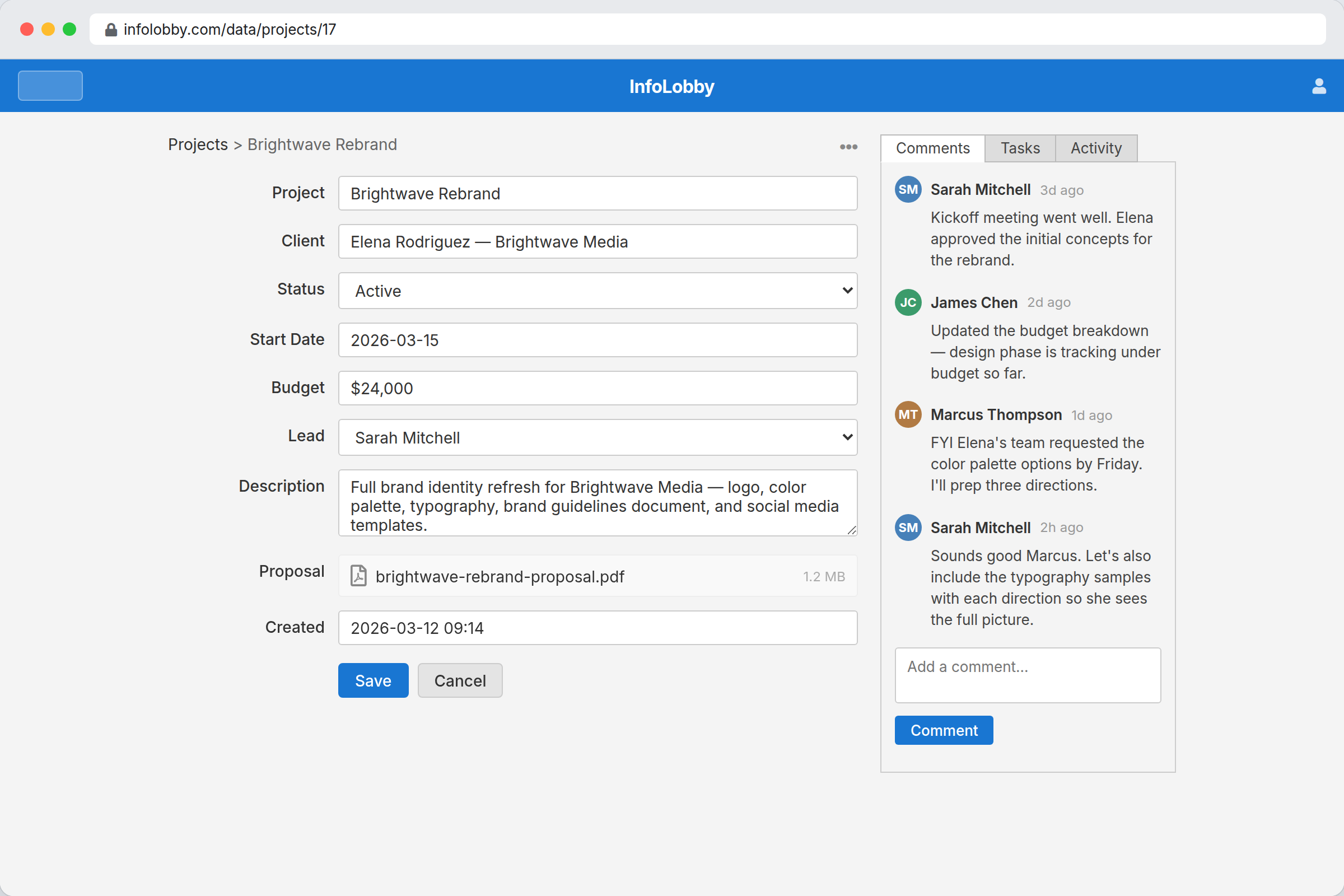
Comments, files, notifications, permissions, and activity history stay attached to records, so the team does not lose context in chat.
- Record comments for decisions and handoffs
- Notifications and follows for work that needs attention
- Activity history so changes can be understood later
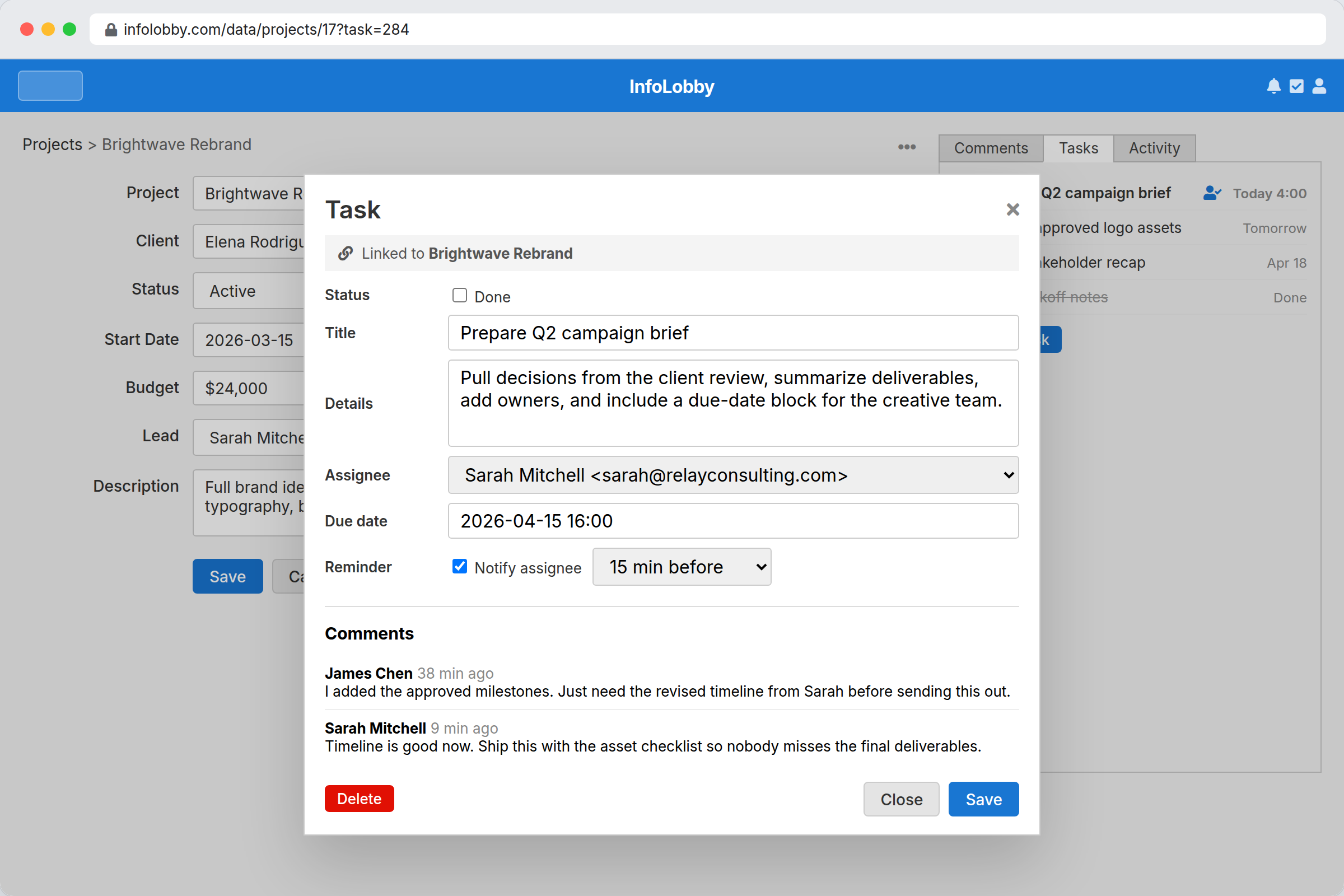
Make follow-up visible without separating it from the record
Assign tasks, due dates, reminders, and task comments beside the customer, project, request, or asset that needs action.
- System-wide task tracking tied to records
- Owners, due dates, statuses, and task comments
- Less chasing because follow-up lives with the context
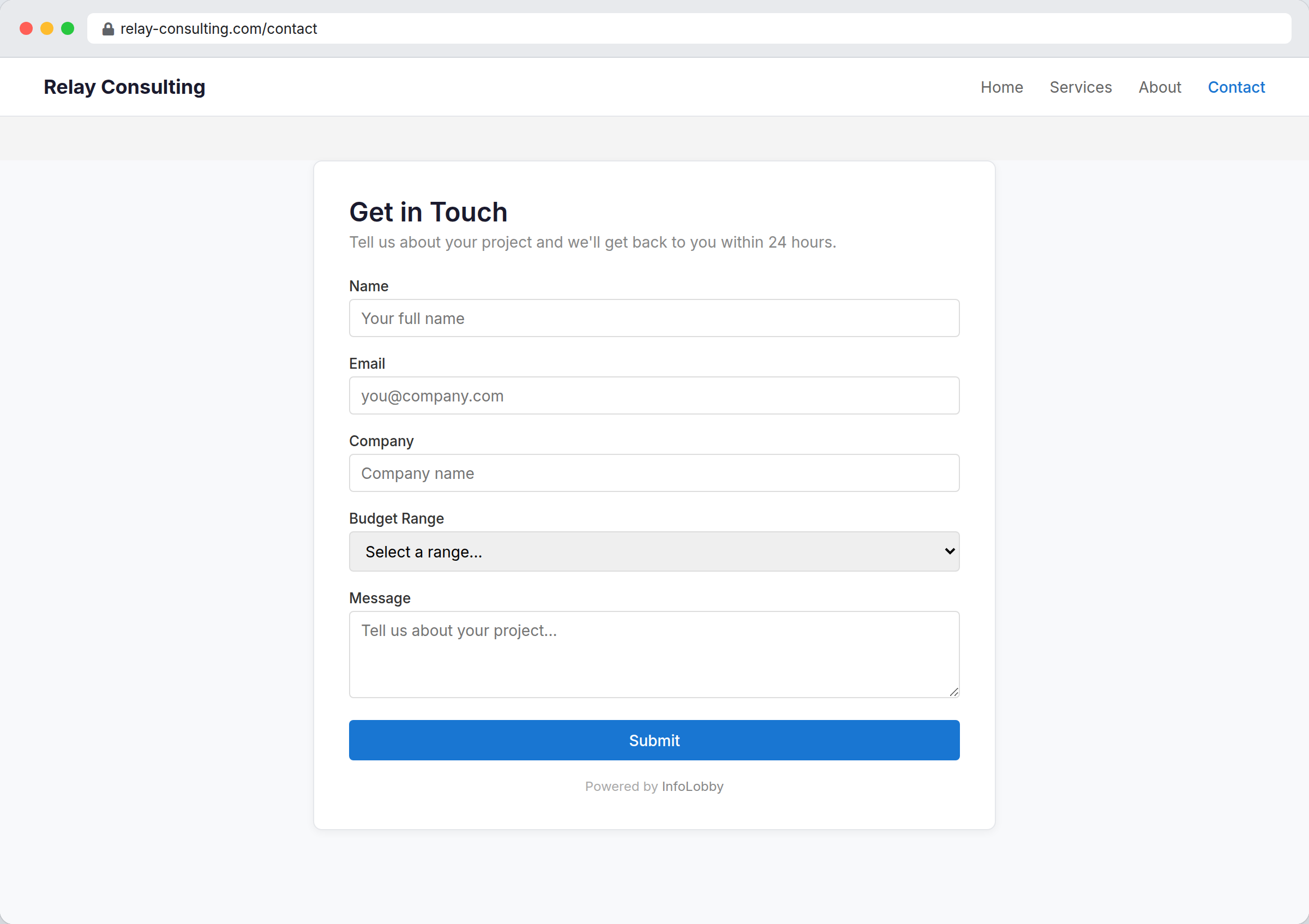
Turn intake into structured work, not inbox clutter
Publish forms that create records directly, then route, review, comment, automate, and report on those submissions inside InfoLobby.
- Embeddable public forms connected to your tables
- Submissions become records immediately
- Automations can start as soon as intake arrives
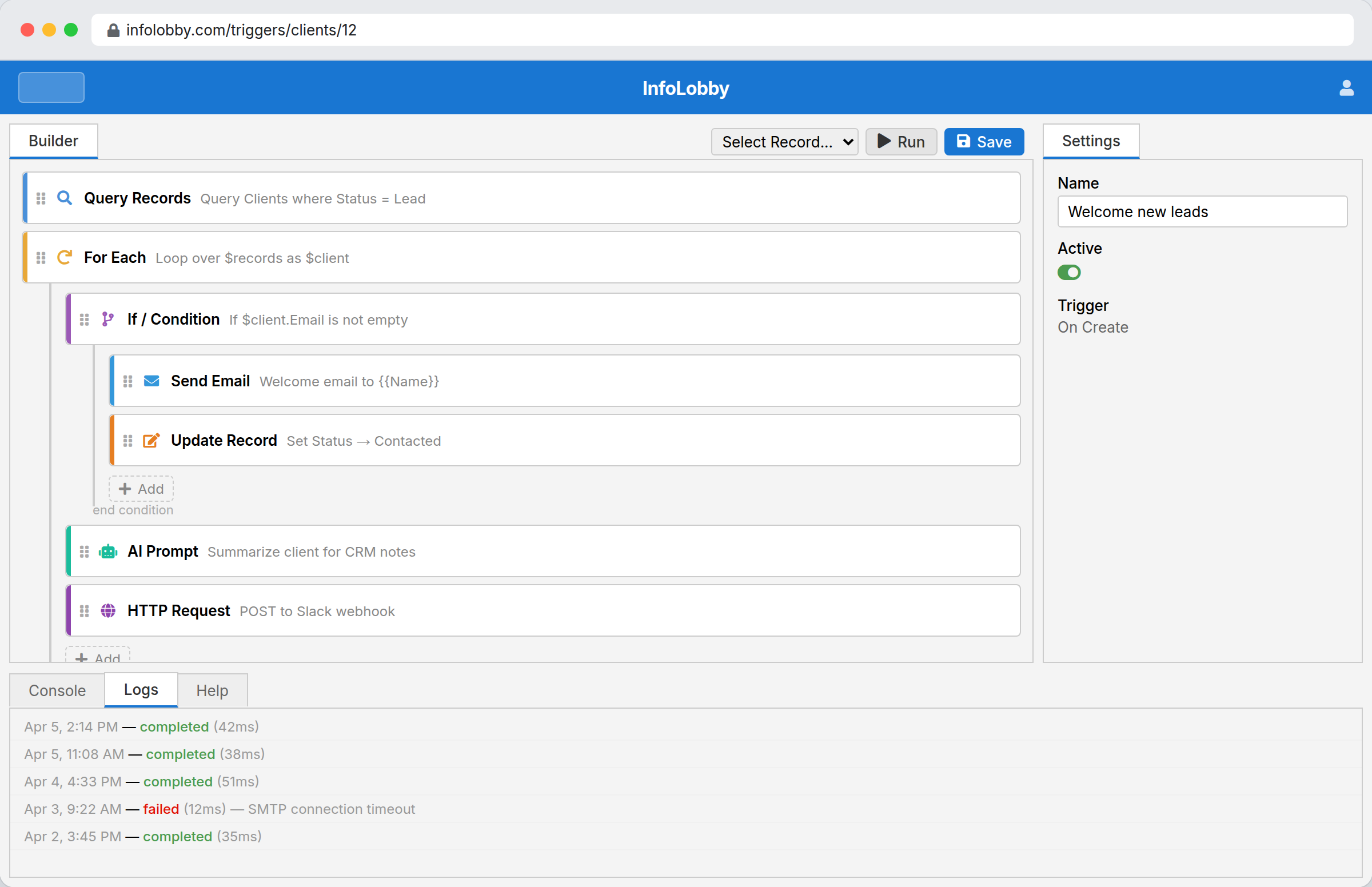
Remove the busywork your team keeps remembering manually
Trigger flows from record changes, schedules, and webhooks. Send email, call APIs, branch logic, use OpenAI, or drop into PHPScript for custom cases.
- Visual builder for readable operational workflows
- Schedules, record events, webhooks, HTTP, email, and OpenAI
- PHPScript when visual logic needs custom power
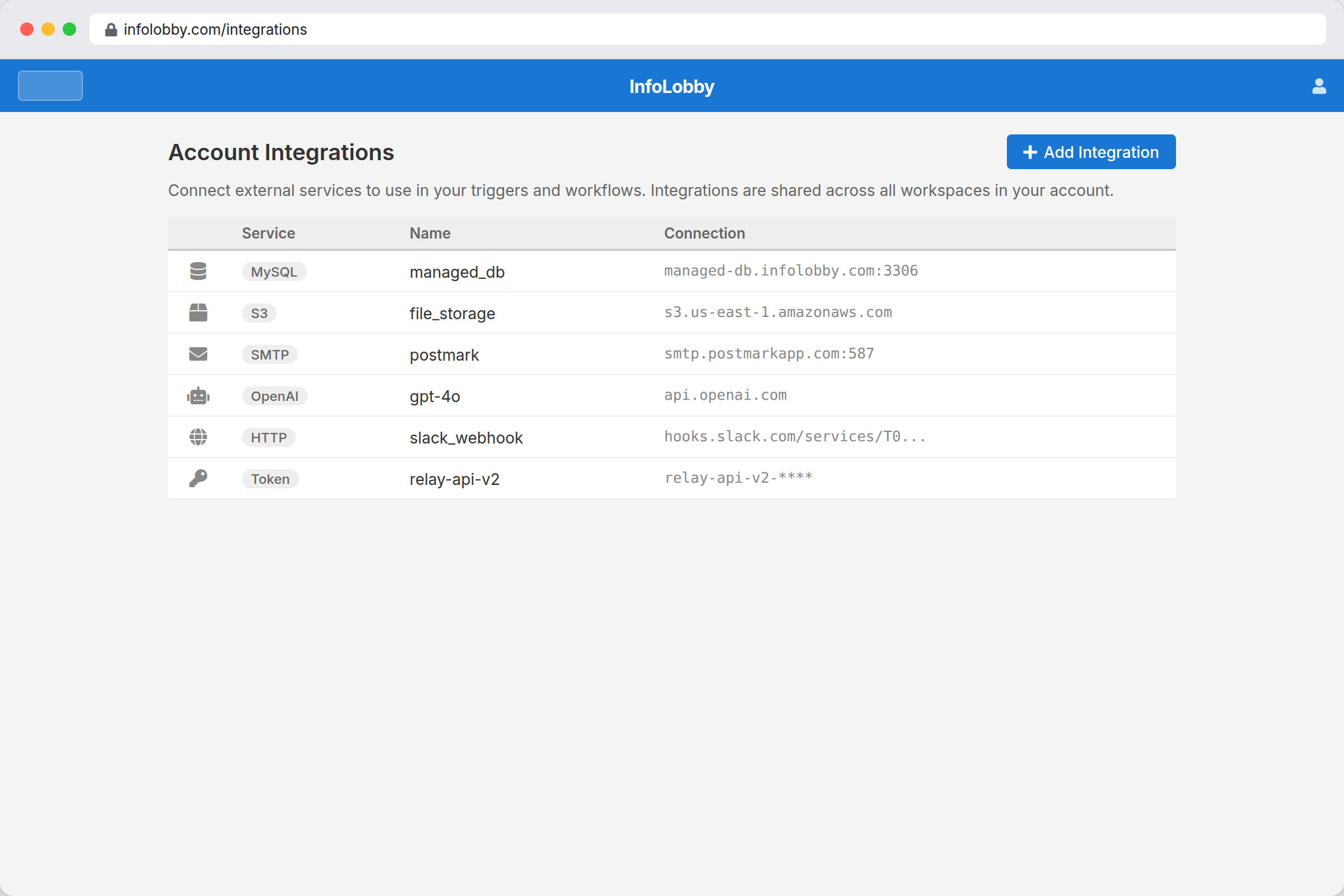
Connect outside systems without losing business context
Use integrations and public API access to move data in and out while keeping the operational record, permissions, and audit trail intact.
- REST API for records external systems need to use
- HTTP, email, OpenAI, storage, and database integrations
- Connection points that stay close to the workflow
Start from a working template, then change everything
Install app and workspace templates with tables, views, forms, and flows already included, then adapt them until they match your process.
- Install pre-built app and workspace templates
- Modify fields, views, forms, and automations after install
- Use templates as starting points, not locked-down products
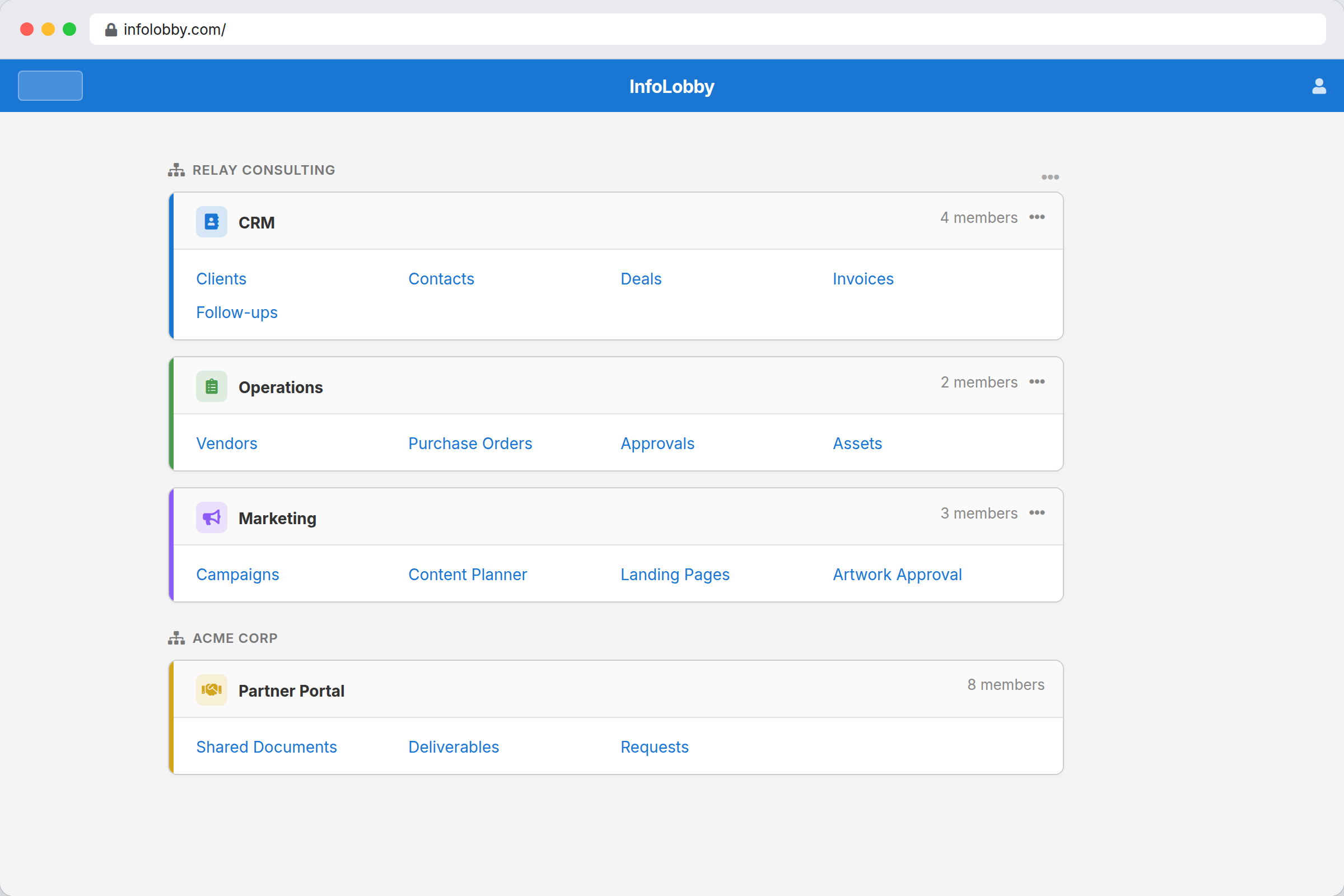
Full feature index
Want the deeper version? Each feature page explains the problem, use cases, fit, and details.
Managed Database
Give the team structure without asking them to become database admins first.
Explore featureWorkflow Automation
Turn record changes, deadlines, webhooks, and handoffs into actions the team does not have to remember.
Explore featureInternal Tools
Model the messy middle of operations: records, files, owners, status, comments, tasks, and history.
Explore featureWeb Forms
Capture outside input as structured records your team can route, review, and act on immediately.
Explore featureViews & Layouts
Give each workflow the shape it needs without copying data into separate tools.
Explore featureIntegrations
Keep external calls, emails, AI steps, and file handoffs close to the records that explain why they happened.
Explore featurePublic API
Let other systems work with InfoLobby records without bypassing the app, permissions, or audit context.
Explore featureTeam Collaboration
Put comments, tasks, follows, notifications, and permissions on the records people are already moving forward.
Explore featureAudit Trail
Give your team a readable history of important changes before something goes wrong.
Explore featureTasks
Keep assignments, reminders, due dates, and task comments connected to the customer, request, project, or asset that needs action.
Explore featureWant to see these features working together?
The fastest way to judge InfoLobby is to start with one process, then add the features your team actually needs.